Breaking Date Mode comes with a receipt
Leave early and your partner gets this
- Work emergency
- Fantasy football
- Just checking
- I'm weak
9:41
Saturday, November 1
Alex broke Date ModeExcuse: fantasy football

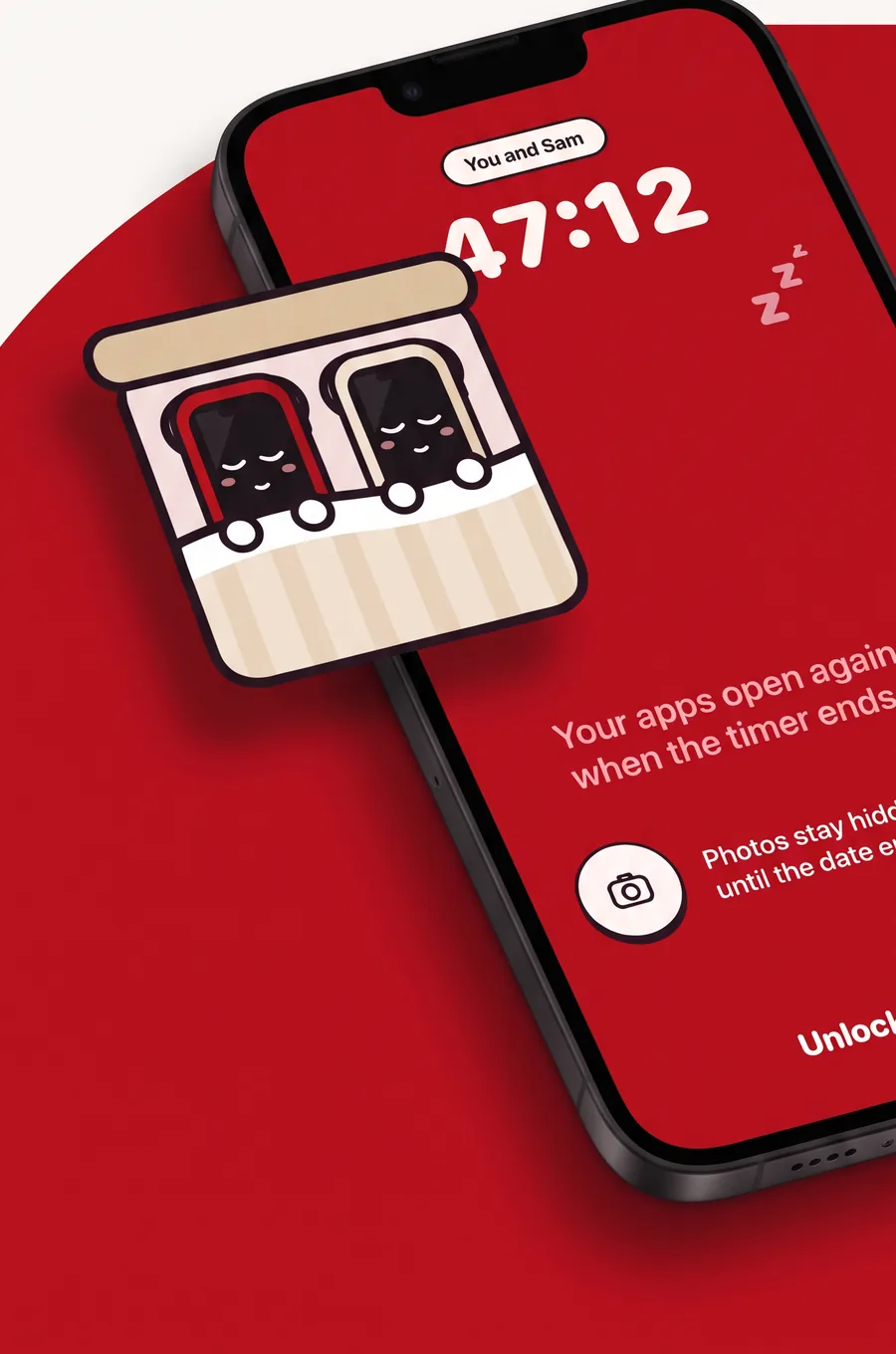
You both tap. Both phones lock until the date ends
Nobody planned it. The phone wins anyway
You agree once, together. Then both phones hold up their end, so nobody has to nag
Pair once with a code. Then every date goes like this
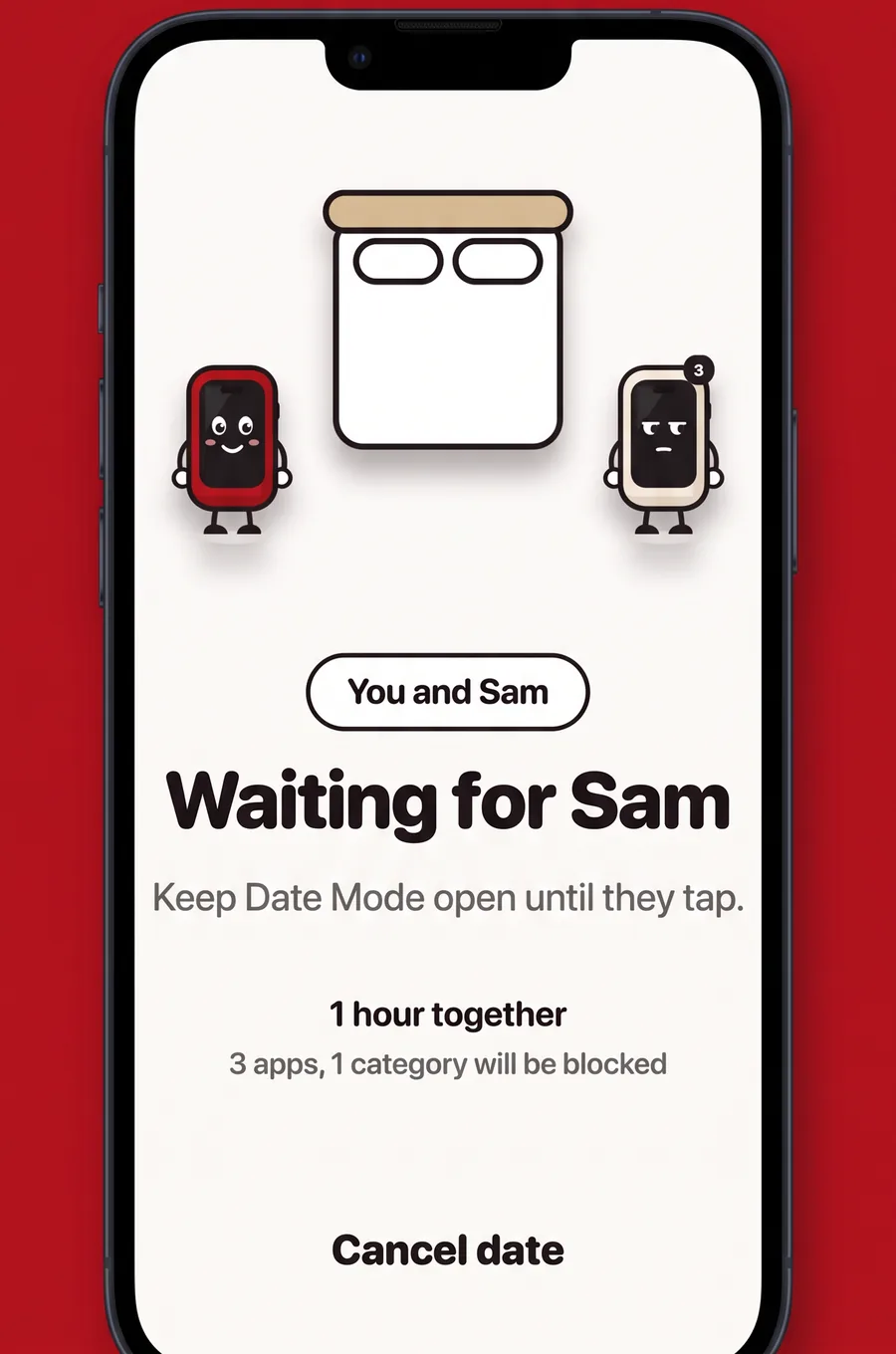
Each of you picks the apps to pause. Nothing locks until you've both tapped
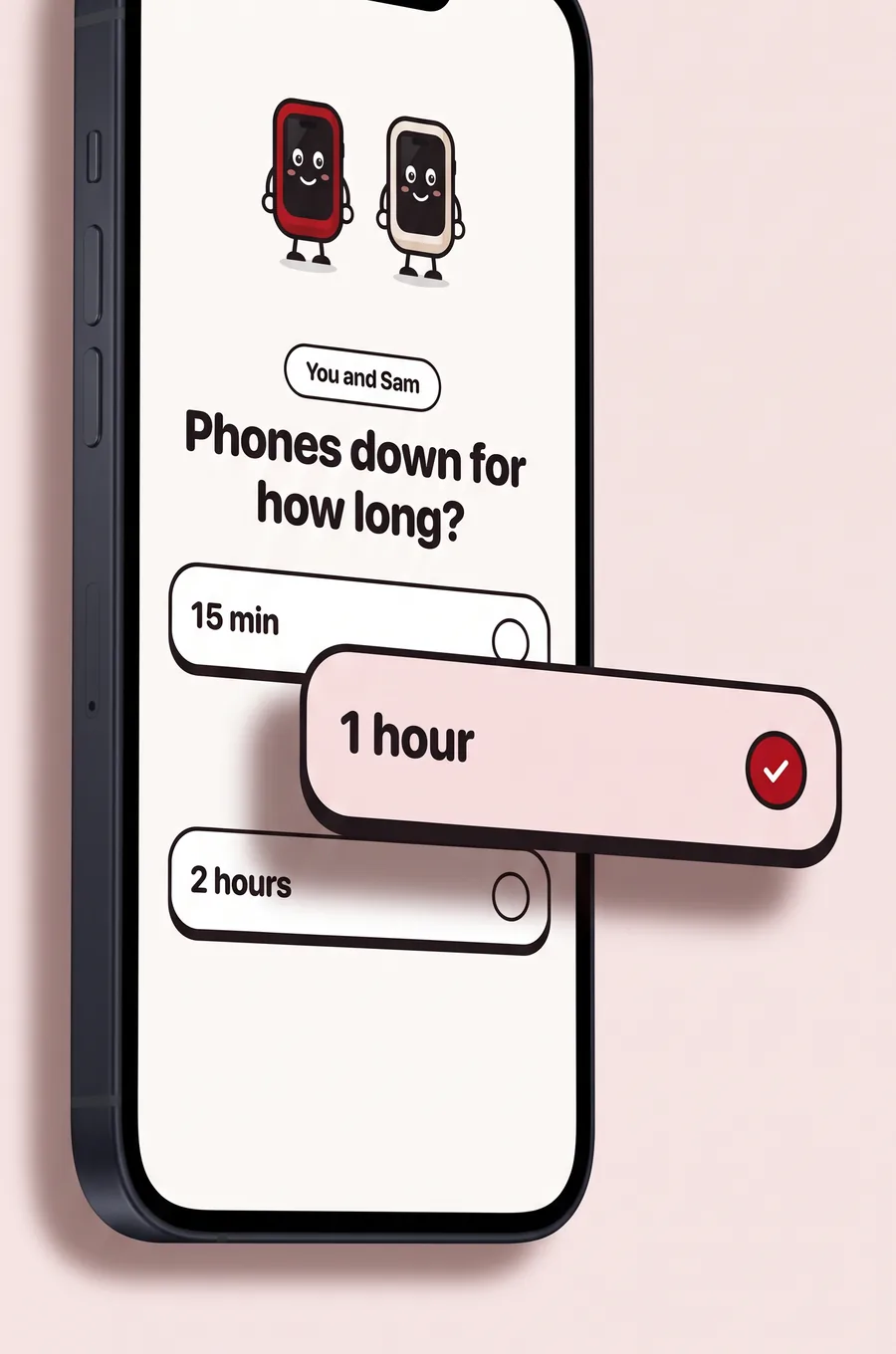
Start with 15 minutes. Go longer when you're ready
Open a blocked app and you'll see your partner's name and when the date ends
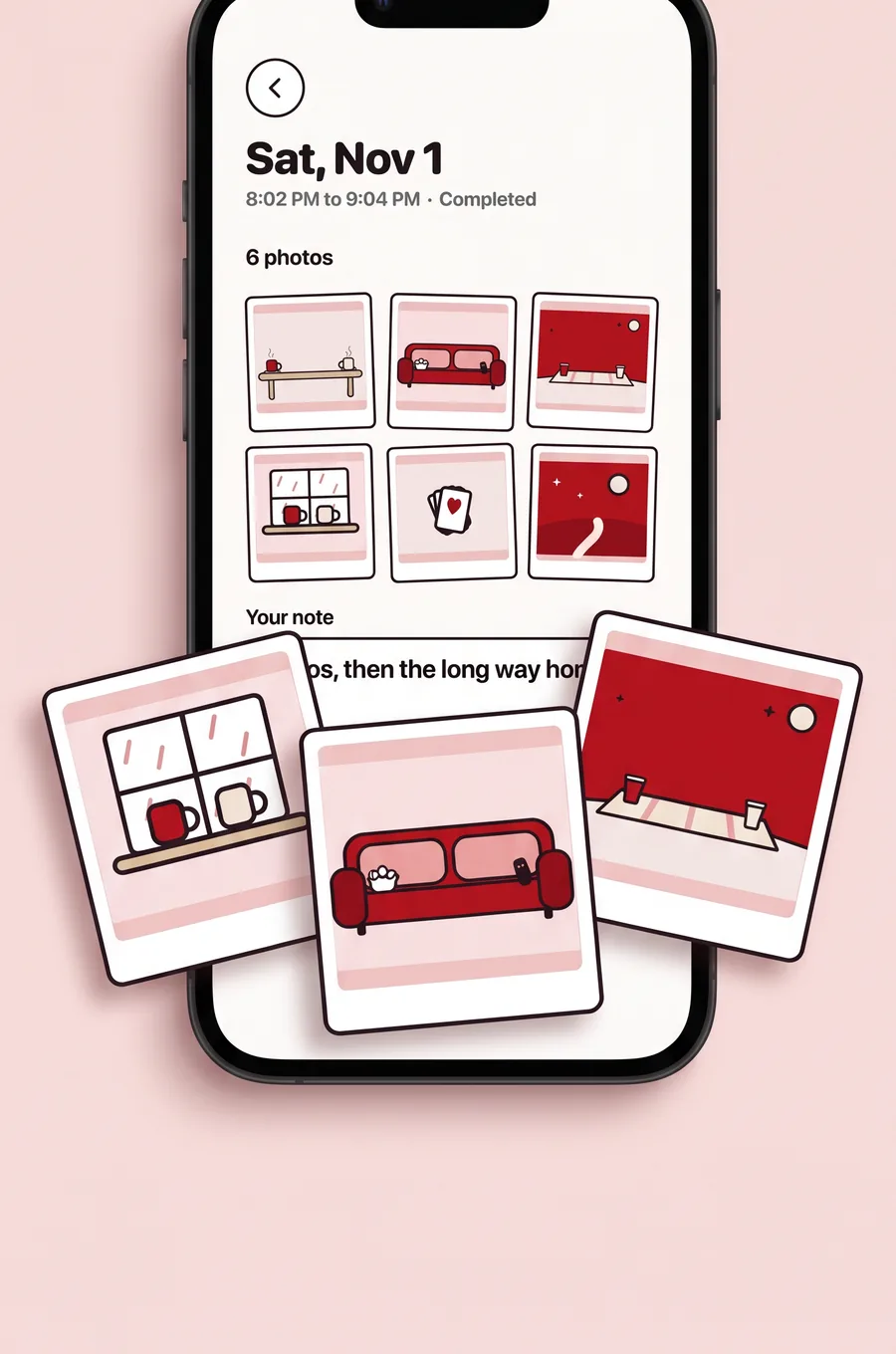
The camera still works. Your photos land in one shared album when the date ends
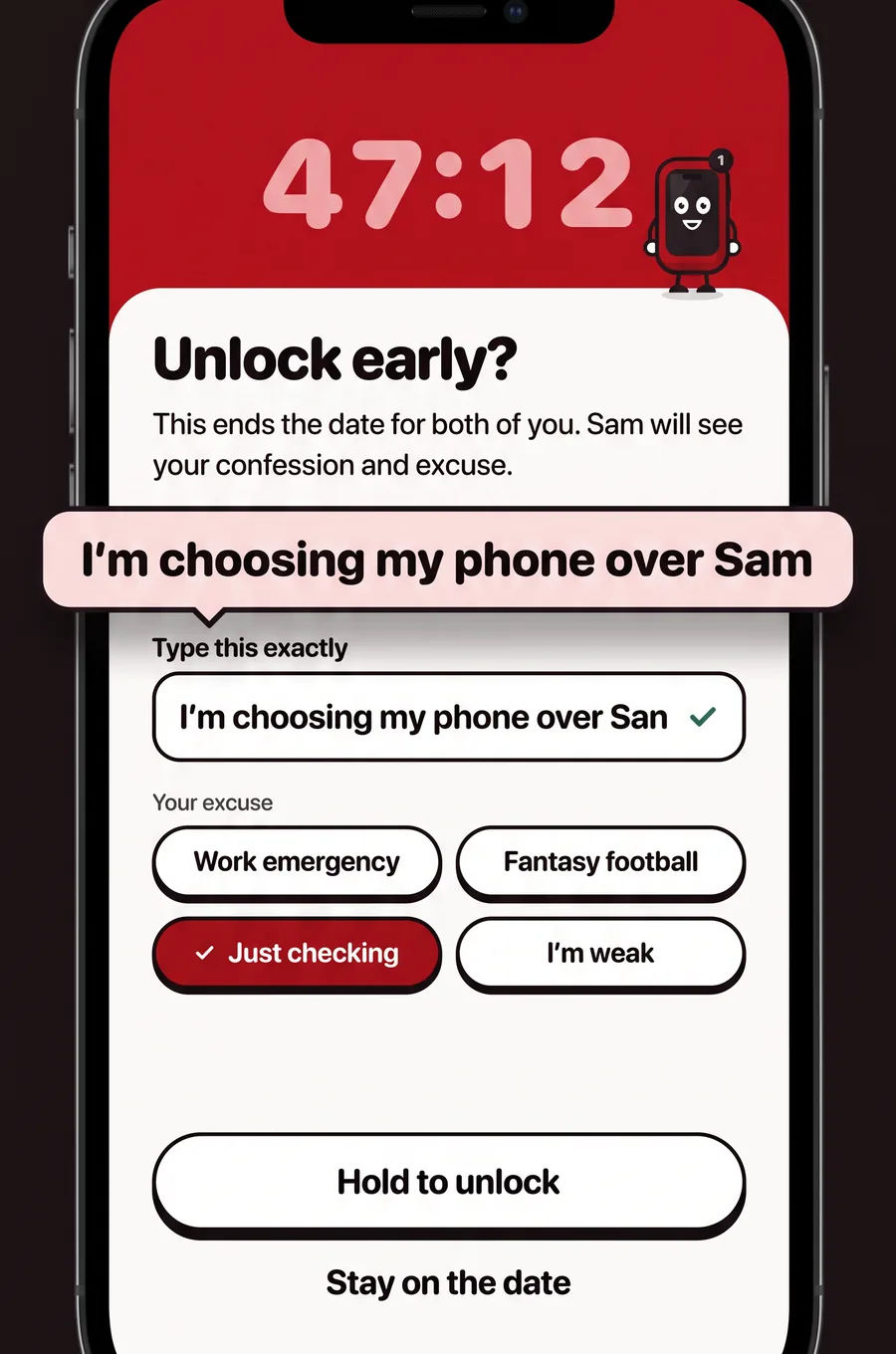
Type it, pick an excuse and hold. The date ends for both of you, and Sam gets an alert
Leave early and your partner gets this
Either of you sets the time. Both phones count down
Calls and emergency services keep working during a date
Each of you chooses what to pause. Leave Maps or Messages on if you need them
One iPhone, one Android? Date Mode works across both, so you can still pair
About $4.17 a month, billed yearly
Billed monthly. No free trial
US prices shown. Prices vary by country and appear in the app before you buy. Subscriptions renew automatically unless you turn off auto-renew at least 24 hours before the current period ends. Cancel any time in your Apple ID or Google Play settings. Deleting the app doesn't cancel your subscription
No. One subscription covers you and your current partner. They install Date Mode, enter your code, and they're in
Yes. iPhones and Android phones can pair with each other. iPhone uses Apple's Screen Time to pause apps, and Android uses its Accessibility Service
Only the apps you pick on your own phone. Calls, emergency services and every app you leave off the list keep working. Blocking depends on your phone's system, so some system features stay available too
No. Nothing locks until you've both tapped. Each of you chooses your own apps and decides when you're ready
Any time. Tap Unlock early, type “I'm choosing my phone over” and your partner's name, pick an excuse and hold. The date ends for both of you
A notification saying you broke Date Mode, with the excuse you picked. Your typed confession shows up in the app. They never see which apps you opened or how you use your phone
Date Mode is made for adult couples who both choose to use it. Parents who want to manage a child's phone will need a different tool
You can have one partner at a time. If you unpair and pair with someone new, your subscription covers your new partner instead
Cancel in your Apple ID settings on iPhone or your Google Play settings on Android. Turn off auto-renew at least 24 hours before the period ends to avoid the next charge. Deleting the app doesn't cancel it
Your account, your pairing, your dates and the photos and notes from them. App choices and phone usage stay on your phone. You can delete your account in the app under Account any time you're not on a live date. Questions go to emily@getdatemode.com